Grocery List Shopping List Sorted by Aisle
One running list you actually have with you in the store. It sorts itself by aisle, remembers the staples you buy every week, and shares or prints in one tap. No more sticky notes or half finished text threads.
- One time purchase
- No account
- No ads
- Phone, tablet and computer
What's inside
A list that sorts itself, staples one tap away, and pages ready to print.
Add it once, check it off, done.
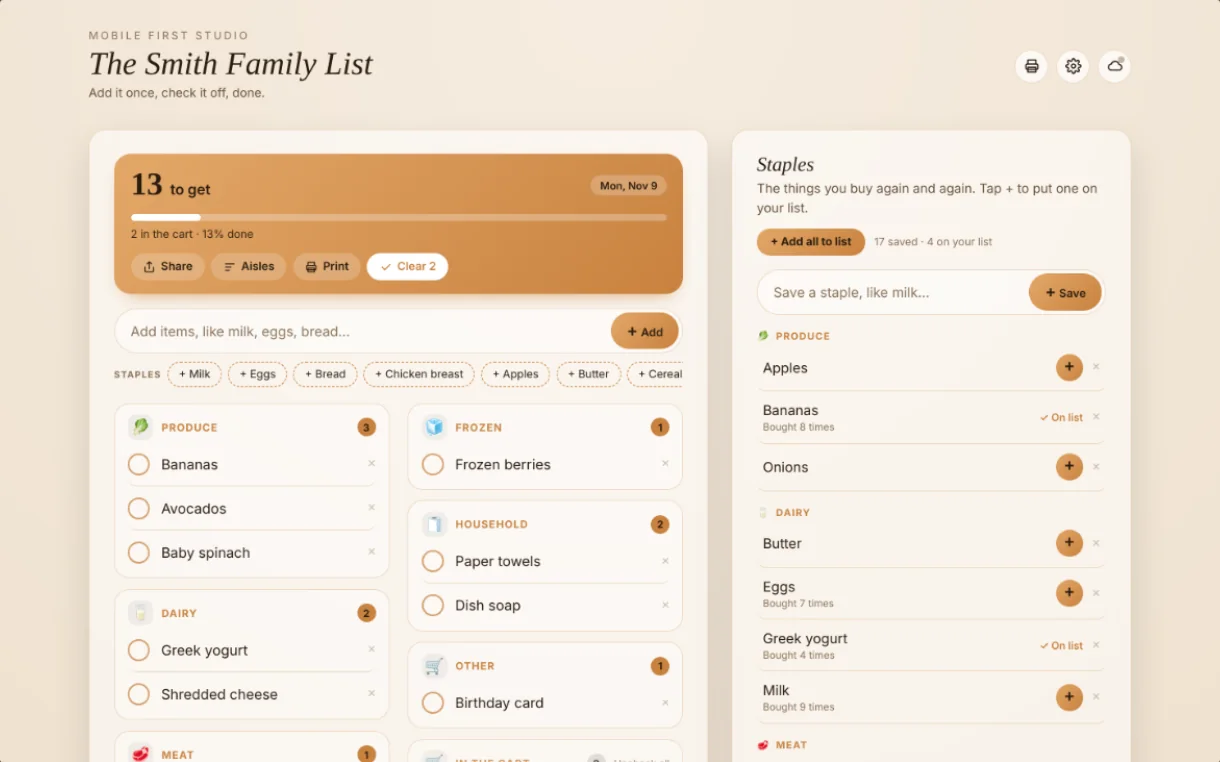
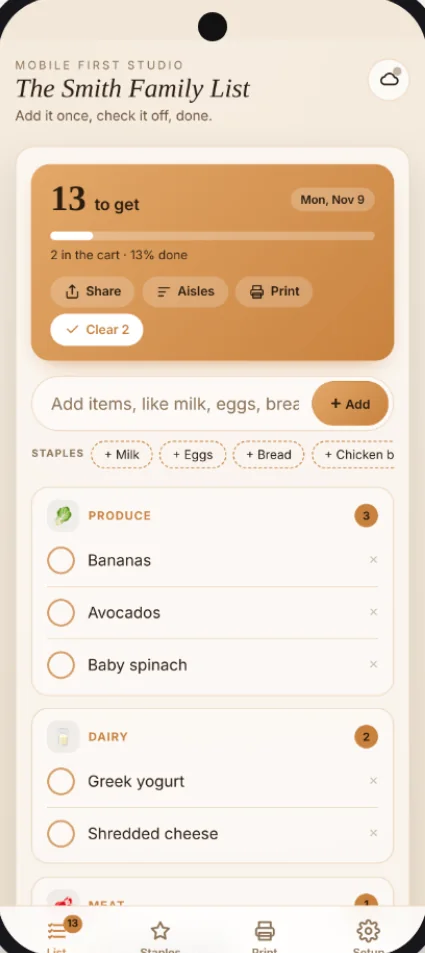
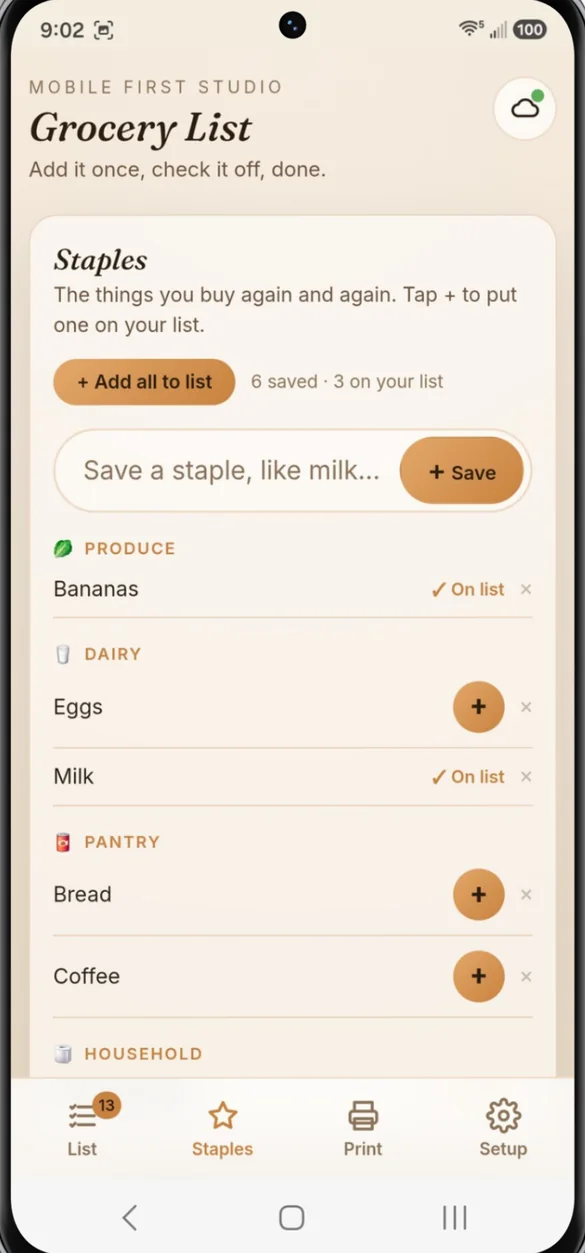
Type "milk, eggs, bread" and all three go on your list, each in the right aisle. Check something off and it moves to In the cart, so you only see what's left.
- Several at once: separate items with commas
- Sorted by aisle: chicken lands in Meat, paper towels in Household
- Progress: a count and progress bar as you shop
- Clear and undo: clear the cart in one tap, undo if you slip
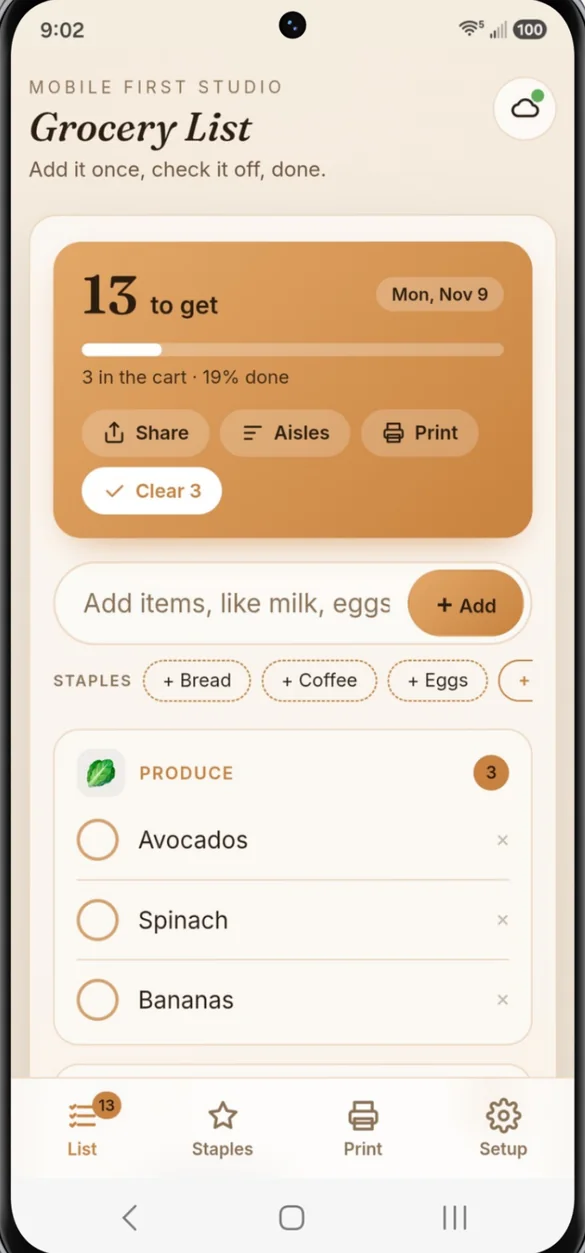
The things you always buy, one tap away.
Save your weekly buys once. Tap + to put one on your list, or Add all to list for every staple you don't already have. Your top staples also show right under the add bar.
- On list: see which staples are already on your list
- Bought count: how many times you've bought each one
- Quick start: add 23 common staples in one tap
Paper or phone, your choice.
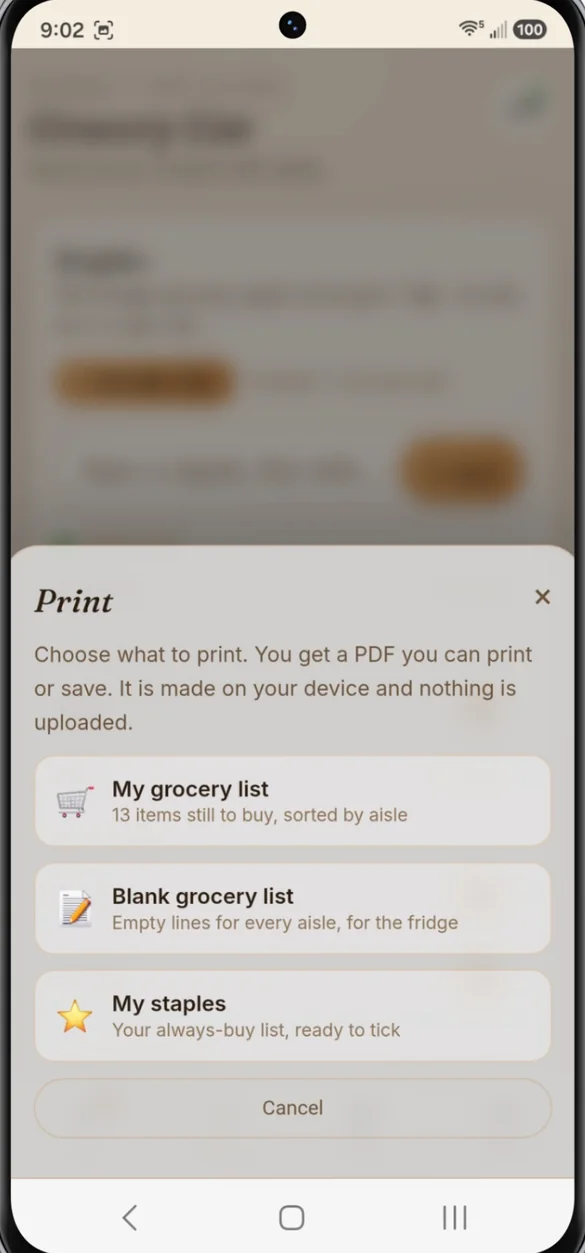
Print your list sorted by aisle, a blank list for the fridge, or your staples ready to check off. Or share your list to a text or note in one tap.
- Light ink: pages print on white even if you use a dark theme
- Your list's name: on every printed page
- Share: send your list, sorted by aisle, to anyone
Your name. Your colors. Your aisles.
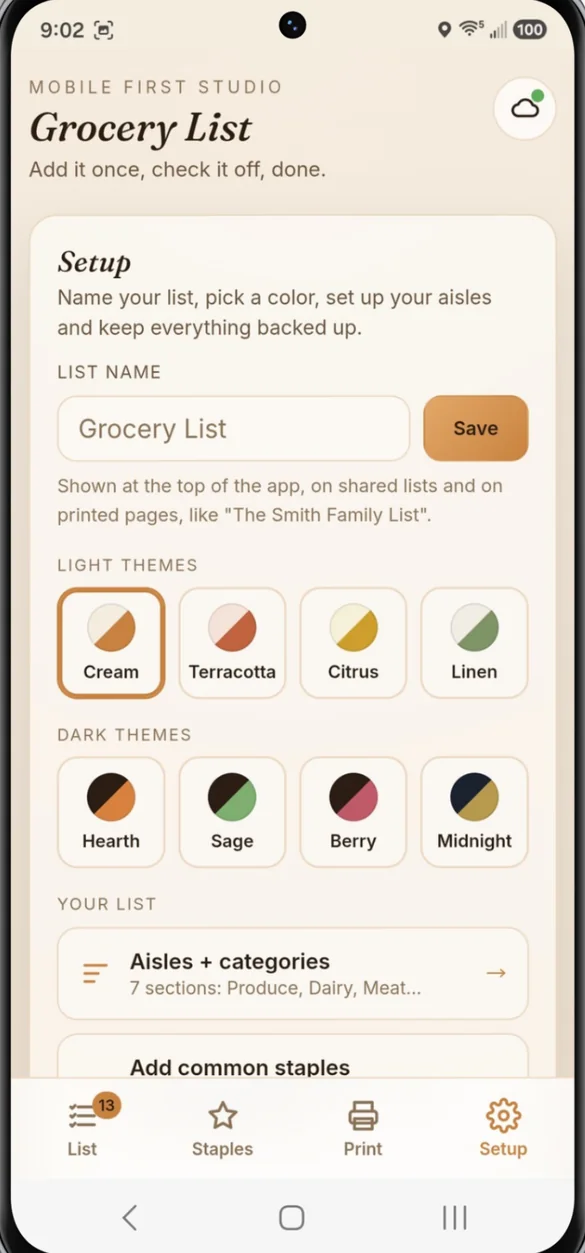
Name your list, like "The Smith Family List". Pick a color theme and set up aisles that match the store you shop at.
- 8 themes: Cream, Terracotta, Citrus, Linen, Hearth, Sage, Berry and Midnight
- Your aisles: rename, reorder, add or delete
- List name: shows on shared lists and printed pages
Little extras that help
Edit anything
Tap an item to fix a typo or move it to another aisle.
In the cart
Checked items drop to the bottom so you see what's left.
Share in one tap
Text your list to a partner or to yourself.
Computer layout
Your list and staples side by side.
Works offline
Your list opens in the store with no signal.
Bonus printables
Grocery list by aisle, weekly meal plan, pantry check and price tracker.
Your list stays yours
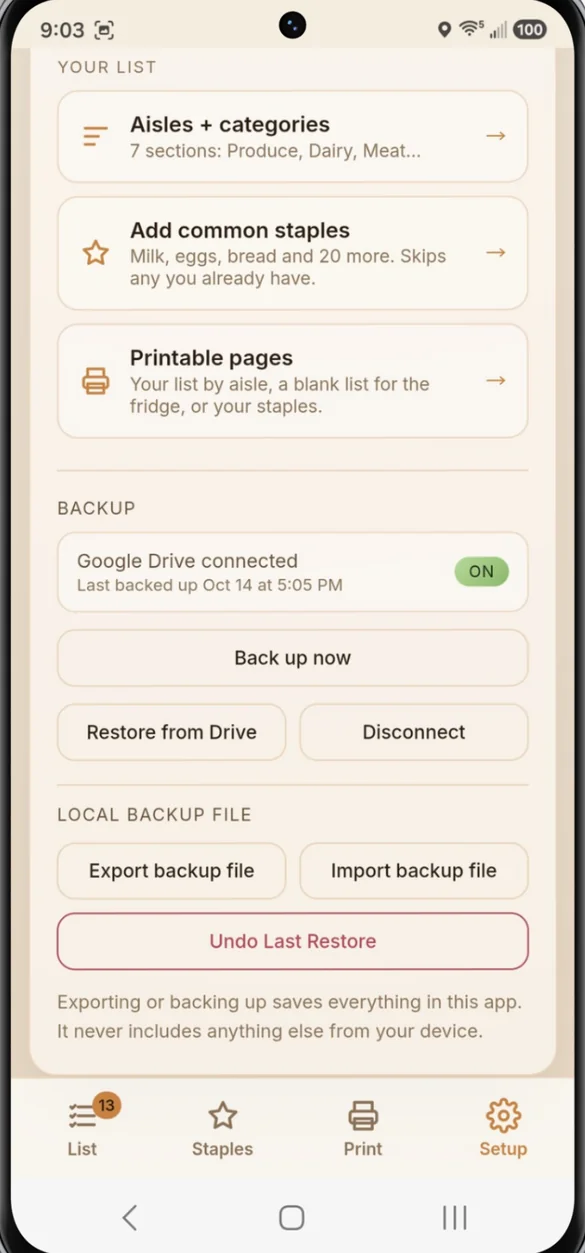
Your list and staples save on your own device. There is no account to create. If you want a safety net, back up to your own Google Drive or download a backup file.
- One time purchase, yours forever
- Saved privately on your device
- Works offline once installed
- Optional backup to your own Google Drive
- Backup file with restore and undo
- No account, no login, no ads
How it works
Buy on Etsy
Download your PDF with your app link, plus the bonus printables.
Open the link
In Safari on iPhone or Chrome on Android, tablet or computer.
Add it to your home screen
Then add your first items. Install guide
Good to know: you get one running list and one staples list. Your list stays on your device and doesn't sync live between phones, but you can share it in one tap or move it with a backup.
On Samsung phones, open the link in Chrome, not Samsung Internet.
Questions
Does my list sync between two phones?
Not live. Each phone keeps its own copy. You can share your list in one tap as a text, or move it to another device with a backup.
Can I add amounts?
Yes. Type them right into the item, like "2 lb chicken", and the amount stands out in bold.
Can I set it up for my store?
Yes. Rename, reorder, add or delete aisles, or make your own sections like Costco, Target or Pharmacy. Your list, sharing and printing all follow your aisles.
Is there a subscription?
No. You pay once on Etsy and the app is yours. No monthly fees and no ads.
Does it work on iPhone, Android and a computer?
Yes. Use Safari on iPhone and Chrome on Android, including Samsung phones. On a computer your list and staples sit side by side.
Can I try it before I buy?
Yes. The free demo lets you tap around the real app in your browser.
What if it doesn't work on my phone?
Send a message through Etsy and I'll help you get it running. If we can't get it working, you can get a refund within 30 days.
Try it before you buy
Build a practice list in your browser. No sign up needed.