No-Spend Challenge Tracker Streaks and Money Saved
Set the rules, log each day with one tap, and watch a real streak build. Every no-spend day adds to a running total of money avoided, so your willpower turns into a number you can see.
- One time purchase
- No account
- No ads
- Phone, tablet and computer
What's inside
Simple on purpose: one place to set up a challenge, log your days and see your progress.
Your streak, right up front.
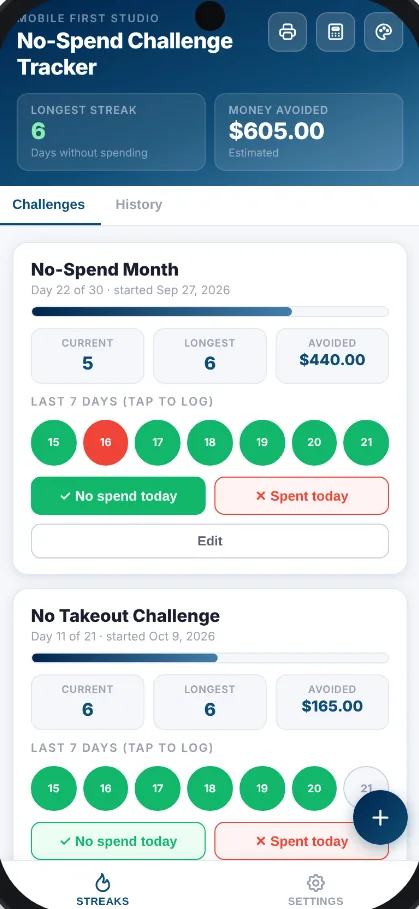
Every challenge card shows your current streak, your longest streak and a progress bar for what day of the challenge you're on. Your longest streak across every challenge sits at the top of the app.
- Current streak: no-spend days in a row, counting back from today
- Longest streak: your best run for each challenge
- Progress bar: Day 12 of 30, so you know how far you've come
One tap and you're done.
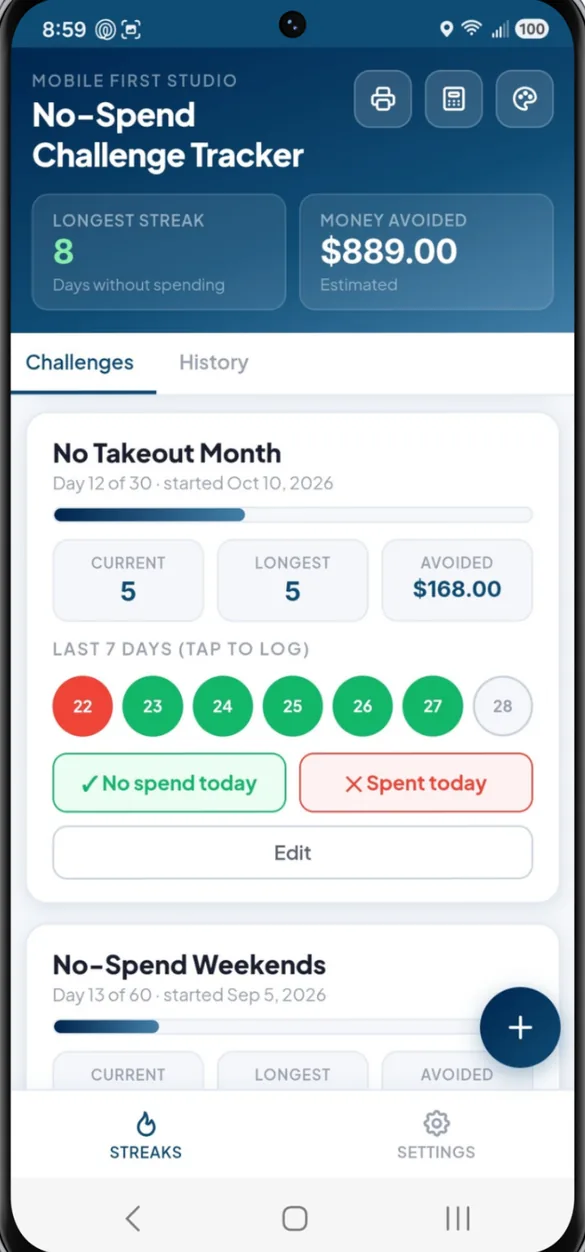
Tap No spend today or Spent today right on the challenge card. Missed a day? Tap it on the 7 day calendar to log it or fix it.
- Quick buttons: No spend today or Spent today, no extra screens
- 7 day calendar: tap any recent day to log or correct it
- Easy fixes: each tap cycles a day through no spend, spent and unlogged
- History: every logged day across every challenge, kept in one place
Set the rules, then go.
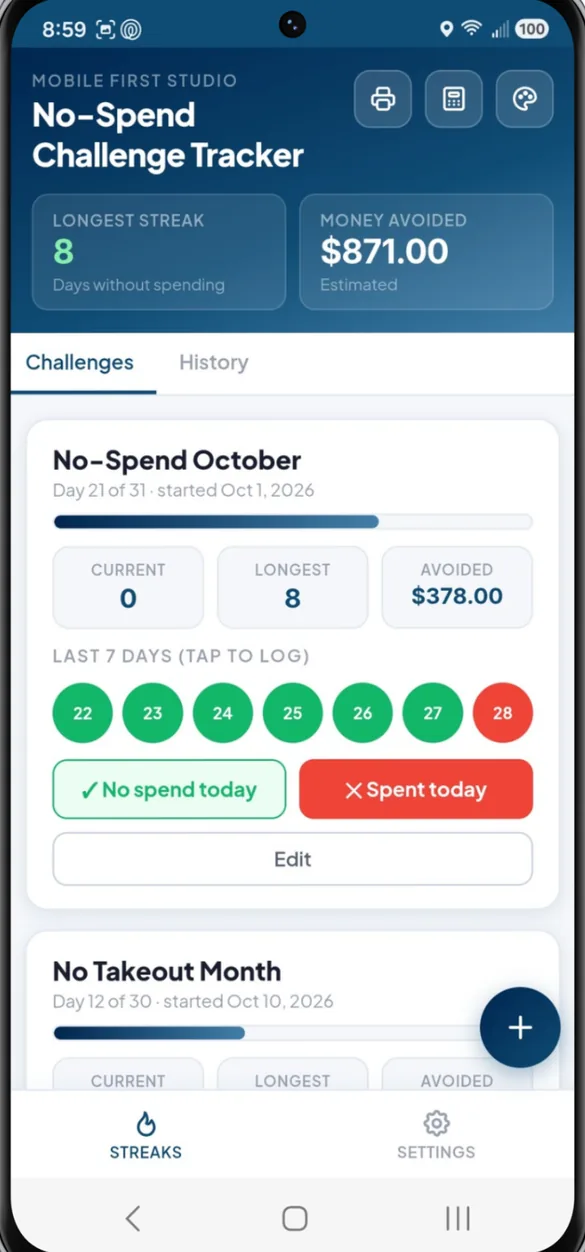
Name your challenge, pick how many days it runs and when it starts. Make it a no-spend weekend, a no takeout month or anything else you want.
- Any length: a weekend, 30 days, 60 days or whatever you choose
- Start date: so your progress lines up from day one
- More than one: run several challenges at the same time
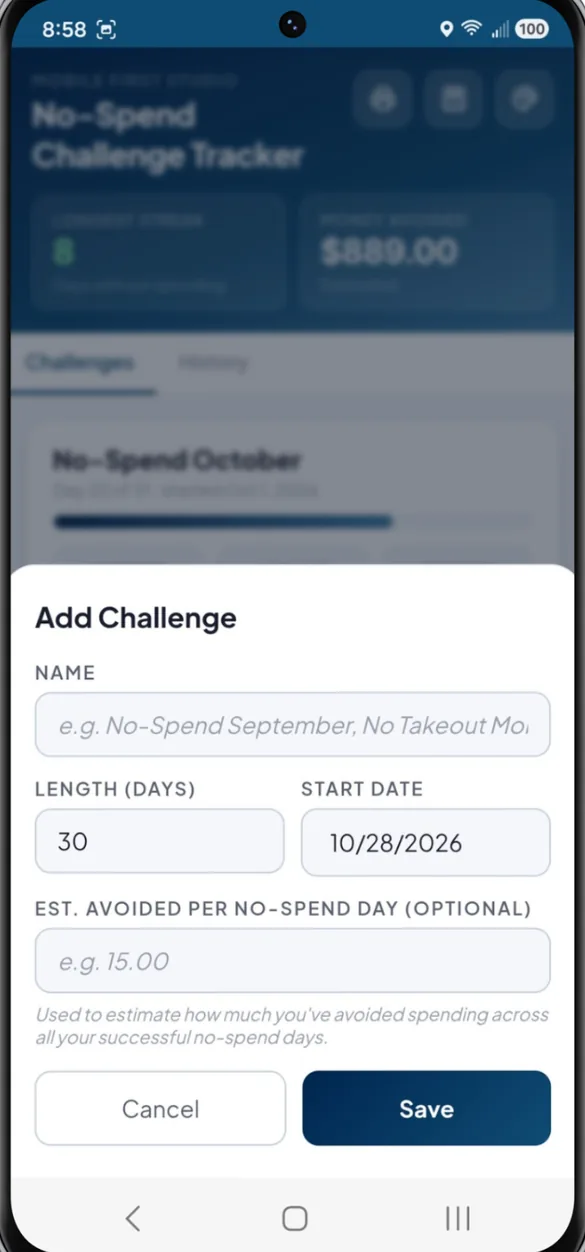
Put a number on your willpower.
Add what you'd usually spend on a typical day. Every no-spend day adds that amount to your running Money Avoided total, so you can watch it climb.
- Daily estimate: optional, and you can change it anytime
- Running total: per challenge and across all of them
- Header chip: total Money Avoided always at the top
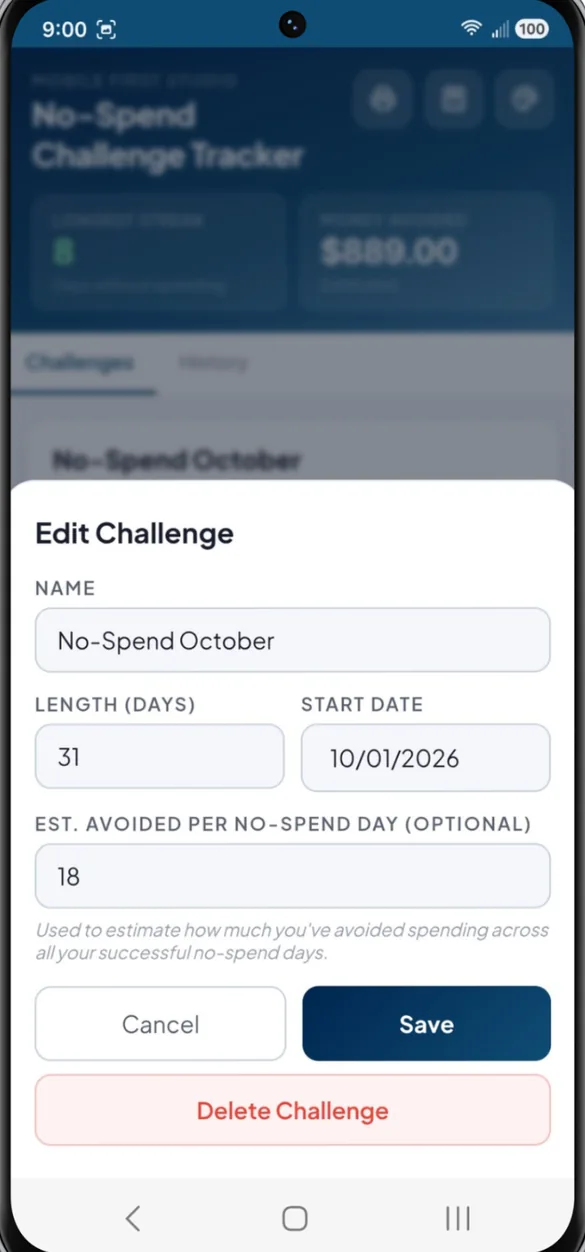
Your streaks on paper or in a spreadsheet.
Print a calendar for each challenge with every no-spend and spent day marked, or print your full no-spend log. The PDF is made right on your device.
- Challenge calendars: every day marked, with your streaks and money saved
- Blank pages: a 30 day challenge, a monthly calendar and a wait before you buy list
- Excel and Google Sheets: your challenges and every logged day
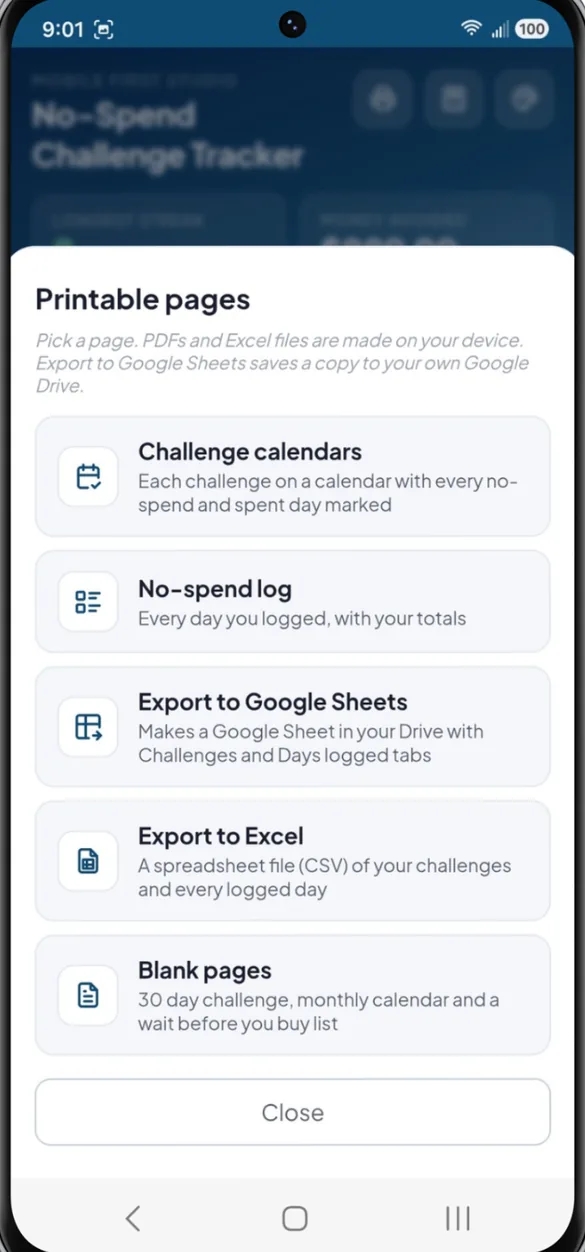
Your name, your colors.
Rename the app, switch between light and dark mode, and pick from 6 color themes. Your choices save automatically.
- 6 themes: Navy, Forest, Violet, Rose, Slate and Amber
- Light or dark: whichever is easier on your eyes
- App name: call it whatever you like
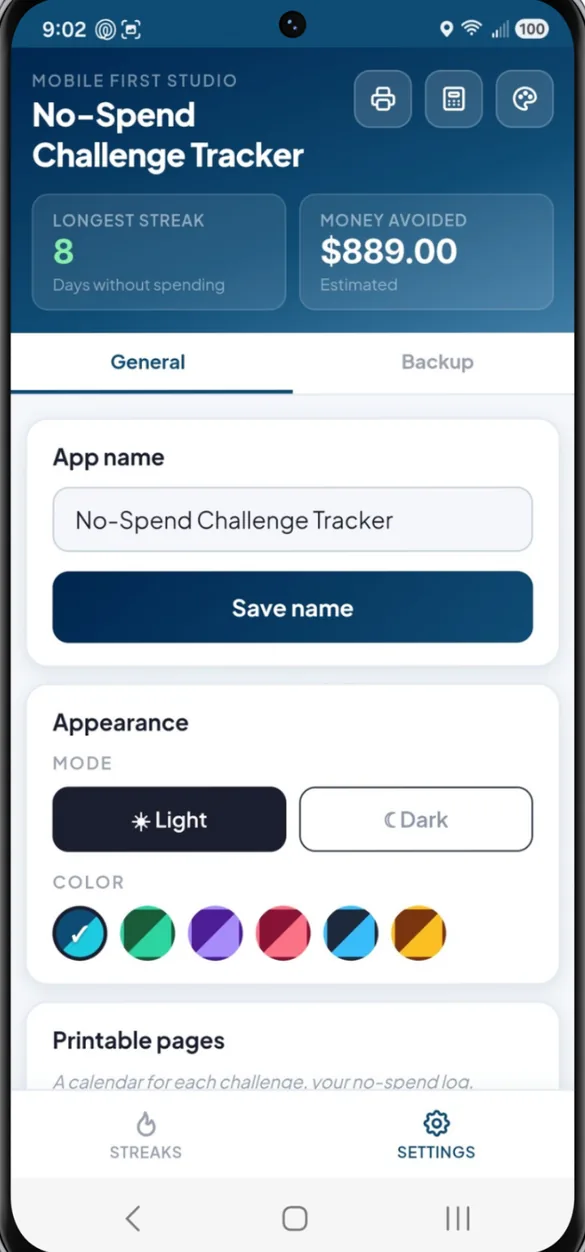
Little extras that help
Built in calculator
Double check a number without leaving the app.
Multiple challenges
A no-spend month and a no takeout challenge, side by side.
Full history
Every logged day across every challenge, easy to look back on or fix.
Computer dashboard
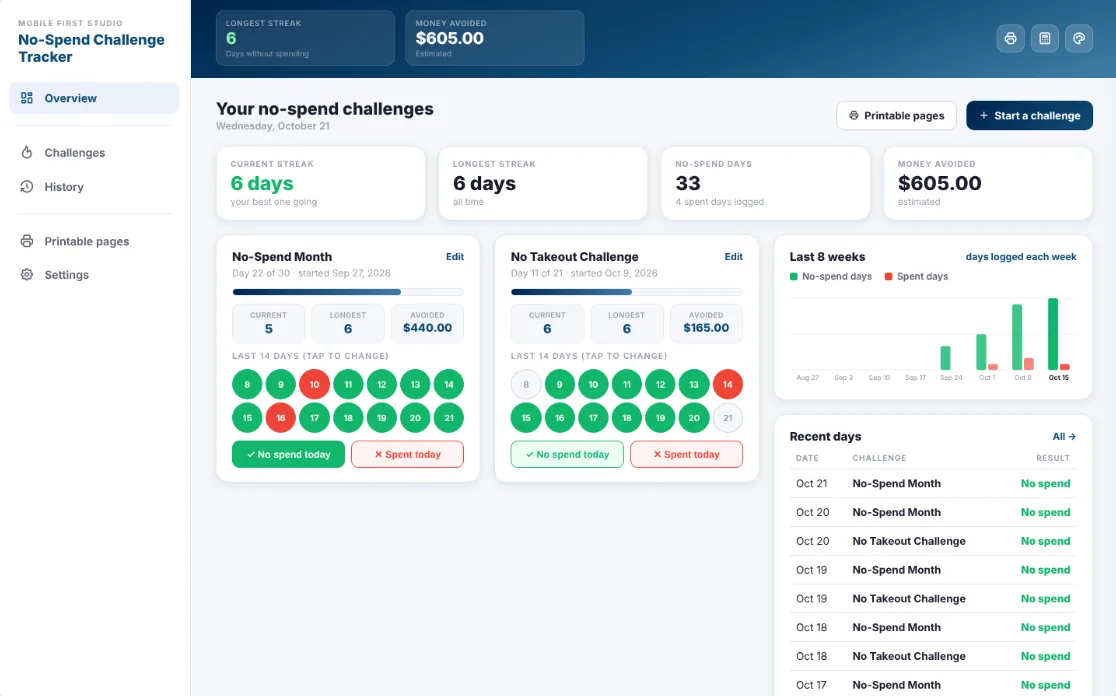
Streaks, money avoided, your last 14 days and an 8 week chart on one screen.
Works offline
Log your day with no Wi-Fi or signal.
Bonus printables
A 30 day challenge to color in, a monthly calendar and a wait before you buy list.
Your streaks stay yours
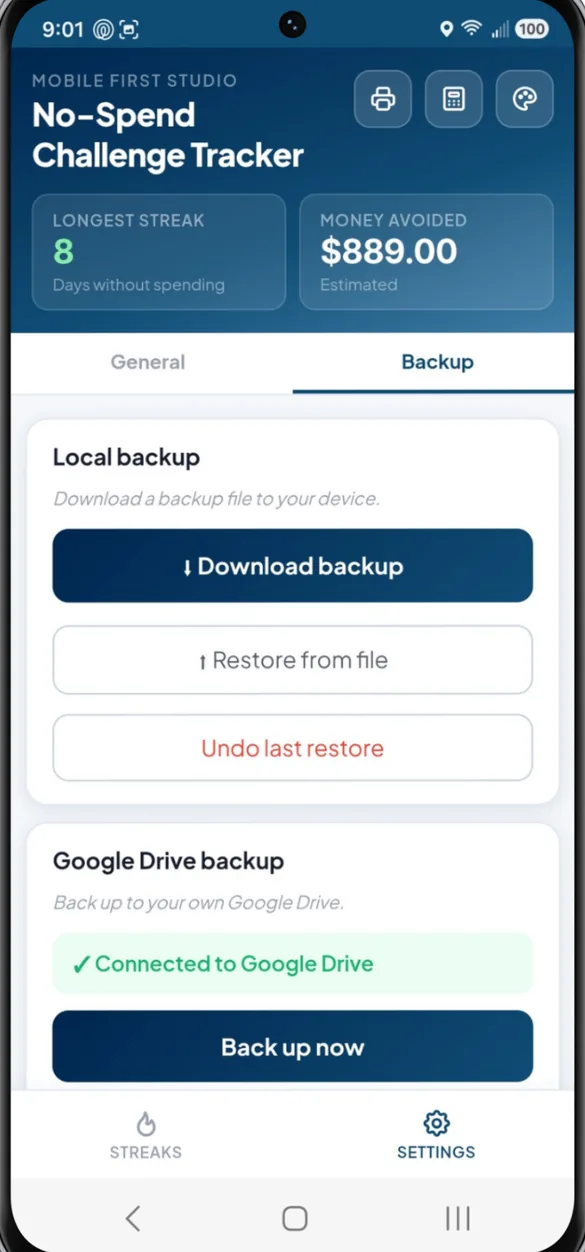
Everything saves on your own device. There is no account to create and no bank to connect. If you want a safety net, download a backup file or back up to your own Google Drive.
- One time purchase, yours forever
- Saved privately on your device
- Works offline once installed
- Optional backup to your own Google Drive
- Backup file with restore and undo
- No account, no login, no ads
How it works
Buy on Etsy
Download your PDFs, including the bonus printables.
Tap the link
On your phone, tablet or computer, in Safari or Chrome.
Add it to your home screen
Then start your first challenge. Install guide
Good to know: this app tracks no-spend days and streaks, not individual purchases. It doesn't connect to your bank, and Money Avoided is an estimate based on the daily amount you enter.
Want to track every purchase by amount and category? Take a look at Daily Expense Tracker.
Questions
Does it track what I spend?
No, and that's on purpose. It tracks no-spend days and streaks, not purchases or categories. If you want to log every purchase by amount and category, Daily Expense Tracker is the better fit.
How does Money Avoided work?
When you set up a challenge, you can add what you'd usually spend on a typical day. Each no-spend day adds that amount to your total. It's an estimate based on the number you enter, not a record of real spending.
Can I run more than one challenge?
Yes. Run a no-spend month and a no takeout challenge at the same time, and each one keeps its own streak and total.
What if I forget to log a day?
Tap any day on the 7 day calendar to log it later or fix a mistake. Your streak stays safe until you log today.
Is there a subscription?
No. You pay once on Etsy and the app is yours. No monthly fees and no ads.
Does it work on iPhone, Android and a computer?
Yes. It works in Safari on iPhone, Chrome on Android, and any modern browser on a tablet or computer, where it opens a full dashboard.
Can I try it before I buy?
Yes. The free demo lets you tap around the real app in your browser. Anything you enter in the demo stays in the demo.
What if it doesn't work on my phone?
Send a message through Etsy and I'll help you get it running. If we can't get it working, you can get a refund within 30 days.
Try it before you buy
Start a practice challenge in your browser. No sign up needed.